Best Interior Project Management tool
for Interior Designers
Published On: 13 February 2026
If you run interior or construction projects, chances are you’ve already tried tools like ClickUp, Asana, Trello, or even MS Project. While they are great for general productivity, they are not specialized interior project management tools, they are simply digital to-do lists.
At first, everything feels organised:
- You create milestones.
- You add tasks and build a Gantt chart.
- You assign responsibilities.
And then… reality hits.
Materials don’t show up on time. Your site team starts sending blurry progress photos on WhatsApp. Design files are scattered across random emails and Google Drives. Clients call every hour asking for updates, while costs quietly slip out of control.
Before you realize it, that simple project plan is no longer running the project you are. You’re stuck juggling endless messages, spreadsheets, and follow-ups.
This isn’t because you’re managing things poorly. It’s because generic project management tools were never built for the physical, chaotic and financial complexity of how interior projects actually work.
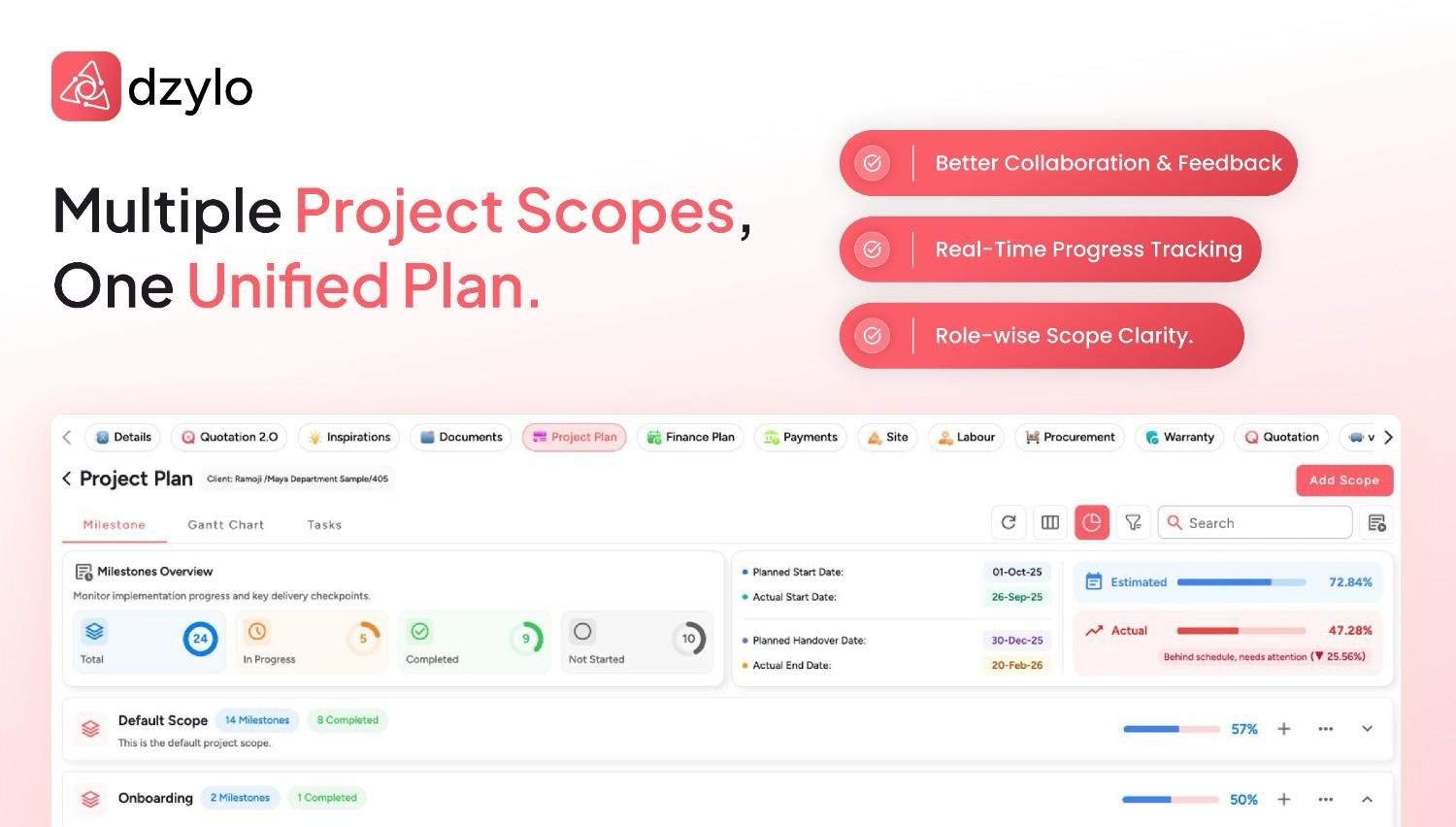
The Core Conflict
Digital Tasks vs. Physical Reality
What Generic Tools Think a Project Is
Tools like ClickUp or Jira were built for software teams where:
- Workers are always online and work is 100% digital.
- Deliverables don’t physically arrive in a truck.
- Collaboration happens exclusively inside the tool.
The Reality of Interior Projects
In your world, the workflow is physical and fragmented
- Procurement: Materials have long lead times and complex supplier dependencies.
- Communication: Site teams work offline and designers share heavy files via email.
- Finances: Budgets, supplier payments, and client installments change daily.
Where Generic Tools Break
Feature | Traditional Tools ClickUp / Asana | Dzylo (The Interior Tool) |
|---|---|---|
| Task tracking & Gantt Charts | ✅ | ✅ |
| Material Requests & POs | ❌ | ✅ |
| Supplier & Labor Management | ❌ | ✅ |
| Site Photos & Daily Progress | ❌ | ✅ |
| Finance, Payments & P&L | ❌ | ✅ |
| Client Portal with Permissions | ❌ | ✅ |
| Warranty & After-Sales | ❌ | ✅ |
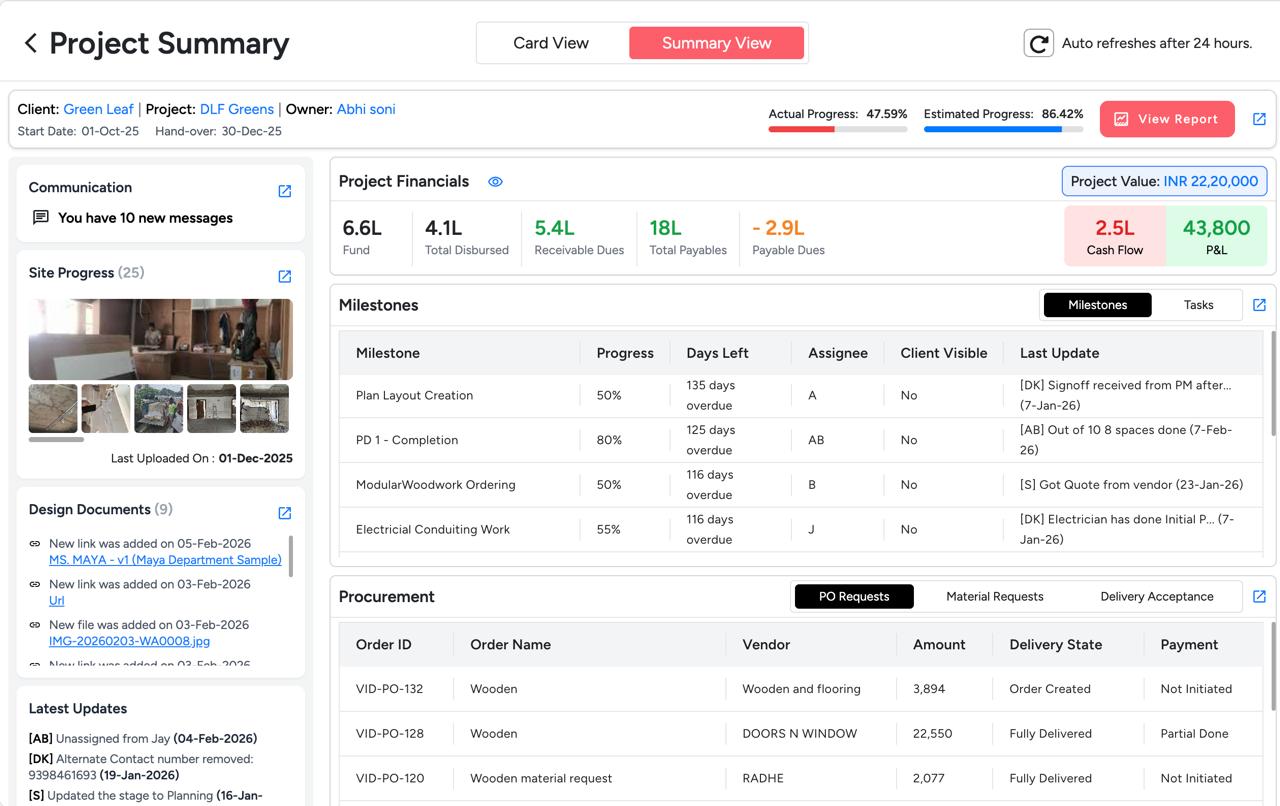
How Dzylo Fixes the Interior Workflow
It Treats Your Project Like a Live Site, Not a Checklist
Dzylo doesn’t just track deadlines. It tracks the flow of information. Instead of chasing people for updates:
- Site teams upload real-time progress photos directly to the specific stage of execution.
- Material requests and Purchase Orders (POs) are linked directly to the task, so you know exactly why a project is stalled.
- Clients see controlled, verified updates through a professional portal, killing the “WhatsApp fatigue.”
It Acts as Your Financial Control Center
Generic tools stop at Tasks. Dzylo covers the Money.
- Real-time P&L: Know if you are actually making a profit on a project before it’s finished.
- Payment Tracking: Automatically track client schedules and log supplier payments.
- Petty Cash: Record site expenses as they happen so nothing goes missing.
Your Expertise is Captured, Not Lost
Most tools treat every project like a blank slate. Dzylo allows your templates to evolve:
- Add missing steps from previous mistakes.
- Update procurement checklists based on supplier reliability.
- Result: Your 10th project runs twice as smoothly as your first.
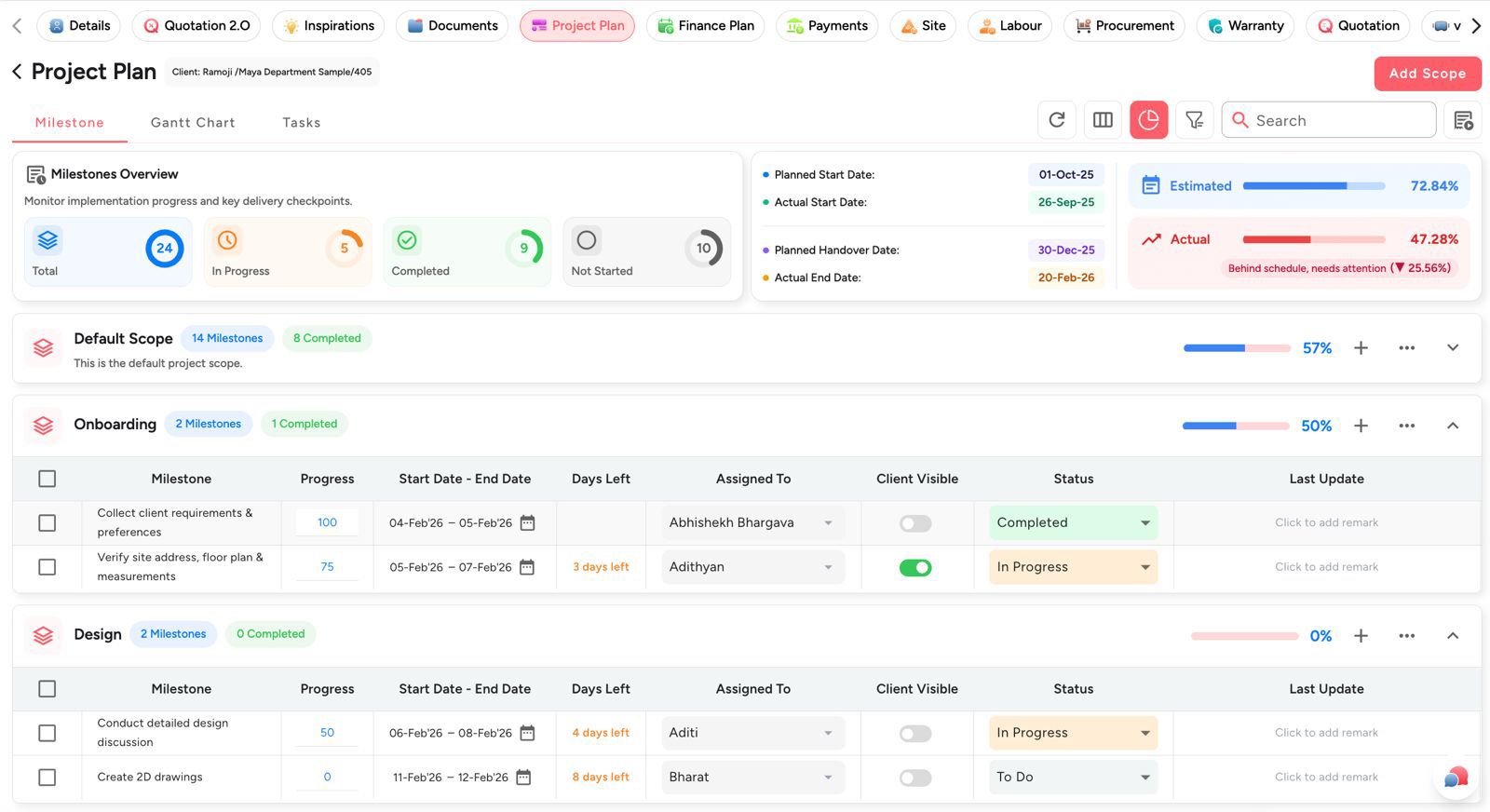
Your Responsibility Doesn’t End at Handover
Neither Should Your Software.
Traditional tools stop when the “Task” is marked complete. But in interiors, your reputation is built on what happens next.
Dzylo supports the full lifecycle:
- Warranty Tracking: Easily manage post-handover issues.
- Service Requests: Keep a historical record of all project documents for the client.
Ready to level up your interior project execution?
Stop managing tasks in isolation. Start managing entire projects from initial design to final handover and beyond all in one place.
Interior work needs more than checklists, it needs Dzylo.
Book a Dzylo demo today and see the future of end-to-end management.